G.5.1 internet connection tracking
It is possible to monitor the various technical solutions in place on the mission to provide internet access, whether as the primary or backup solution.
Monitoring is done via the "IT - Connectivity" application.
Creation a connection
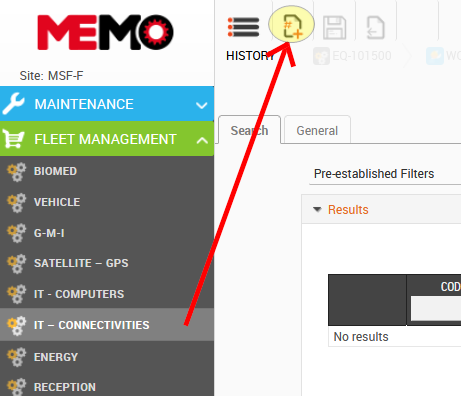
- Click on the application IT CONNECTIVITES in the module FLEET MANAGMENT
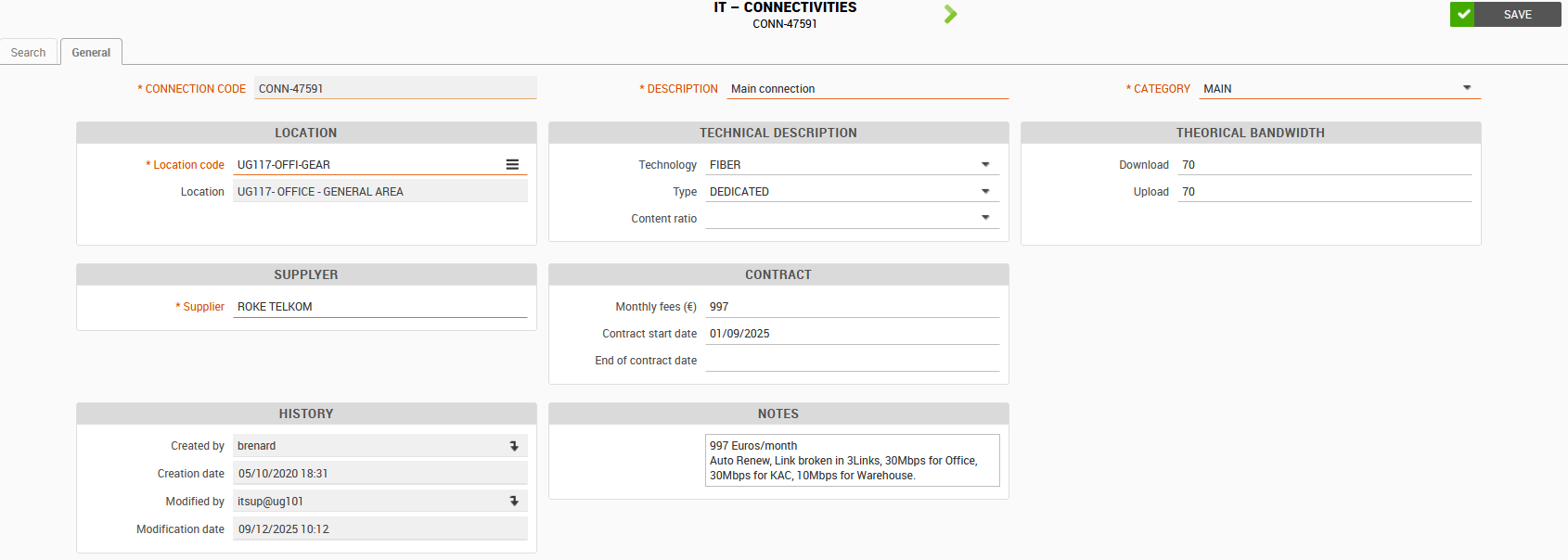
- Complete the description, which will be a summary of the information entered below.
Example: Fiber Office and Base / Backup 4G modem
- Complete the category to specify whether it is the primary connection or used only as a backup.
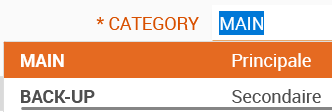
- Choose how the internet signal reaches the router:
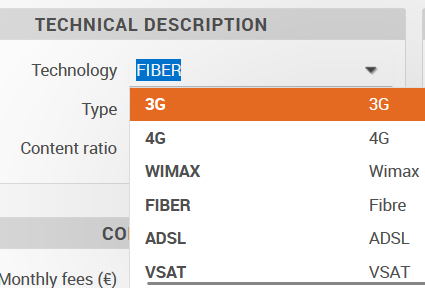
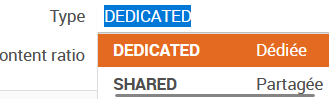
- Choose the connection type: whether it is shared with other clients or dedicated to MSF.
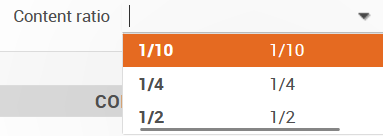
- Choose the contention rate, which corresponds to the amount of the provider's bandwidth shared among clients.
A rate of 1/4 means that you share the available bandwidth with 3 other clients.
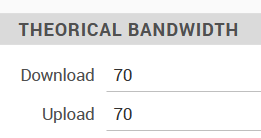
- Complete the theoretical bandwidths indicated in the contract:
- Complete the name of the provider and the table on the contract. You can add details
- Click on SAVE