D.9 Change the state (good, bad…) of an EQ
- Go to the EQUIPMENT application (or any fleet management application), select the equipment you want to change the state and open its equipment sheet.
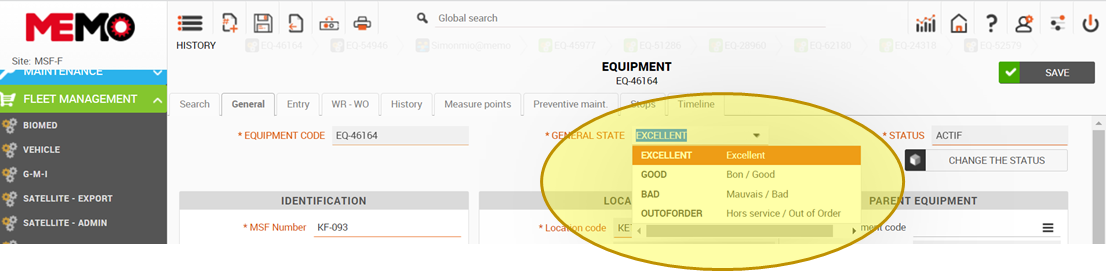
|
GENERAL STATE |
DEFINITION |
EXAMPLE : EXAMINE LIGHT |
|
EXCELLENT |
All functions working |
Just purchased |
|
GOOD |
All functions working but start to need to do some repair, a little play between the elements |
a little scratched |
|
BAD |
The second function not functional, the main function continues to work but less efficiency |
Less light, the rod can stay on the same position |
|
OUT OF ORDER |
The main function of the EQ doesn’t work |
Don’t turn on |