I.3 Validation of the take OUT an equipment from the fleet (LogCo)
Before this step, all equipment to be removed must have the status ‘DECLASSE’ (decommissioned) and the information justifying its removal from the fleet must be completed.
The purpose of this step is to check that the equipment to be removed from the fleet complies with the procedure.
The Logistics Coordinator is therefore responsible for checking this before validating the removal.
Case 1 : only one equipment need to be validated
- Open the related supporting document to compare the information that has been entered in the ‘OUT OF FLEET’ section.
- Click on ‘VALIDATE THE EXIT’.
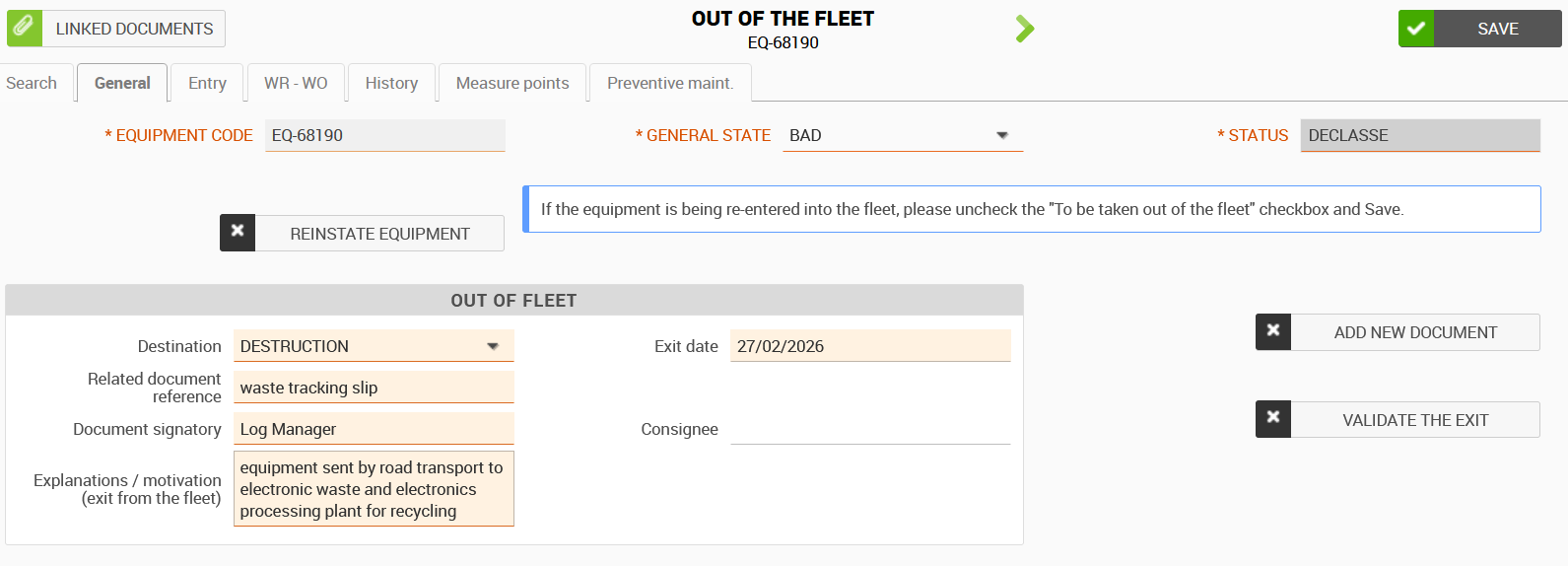
The status of the equipment changes from DECLASSE to OUT.
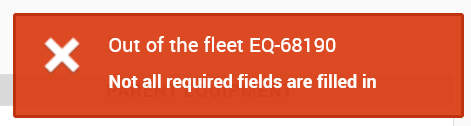
If any information or documents are missing, an error will appear if you try to validate.
Case 2: Several equipment to be taken out of the fleet for the same reason
- Open the 1st equipment of the list and check the document attached.
- Back to the list of equipment : check the number and information of the equipment are the same than the document attached checked.
- Select the equipment you wish to validate the take out via the second column. You can select them one by one or select the entire list using the button at the top of the table.
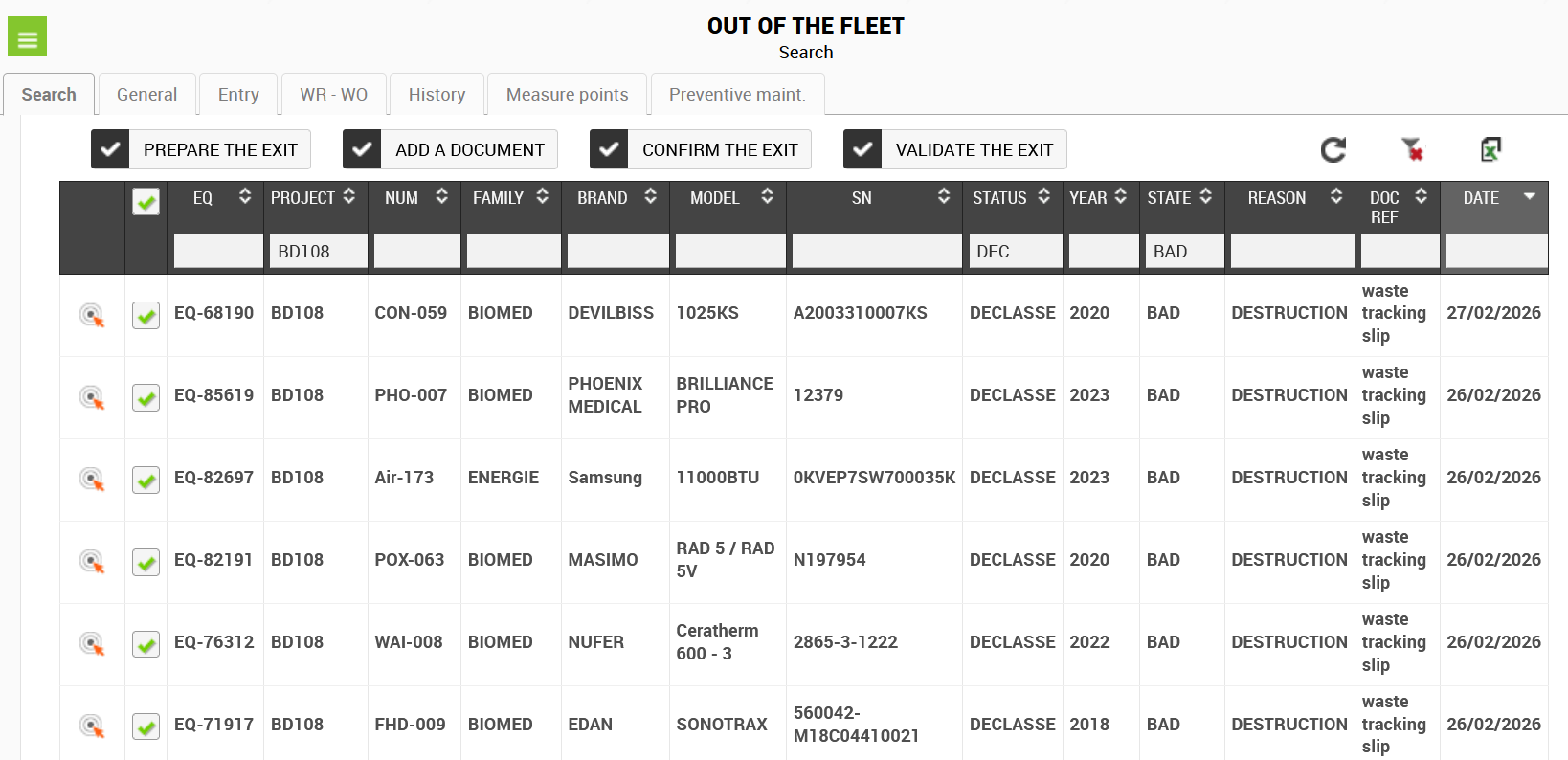
- Click on the "VALIDATE THE EXIT" button and confirm your choice by clicking on ‘YES’
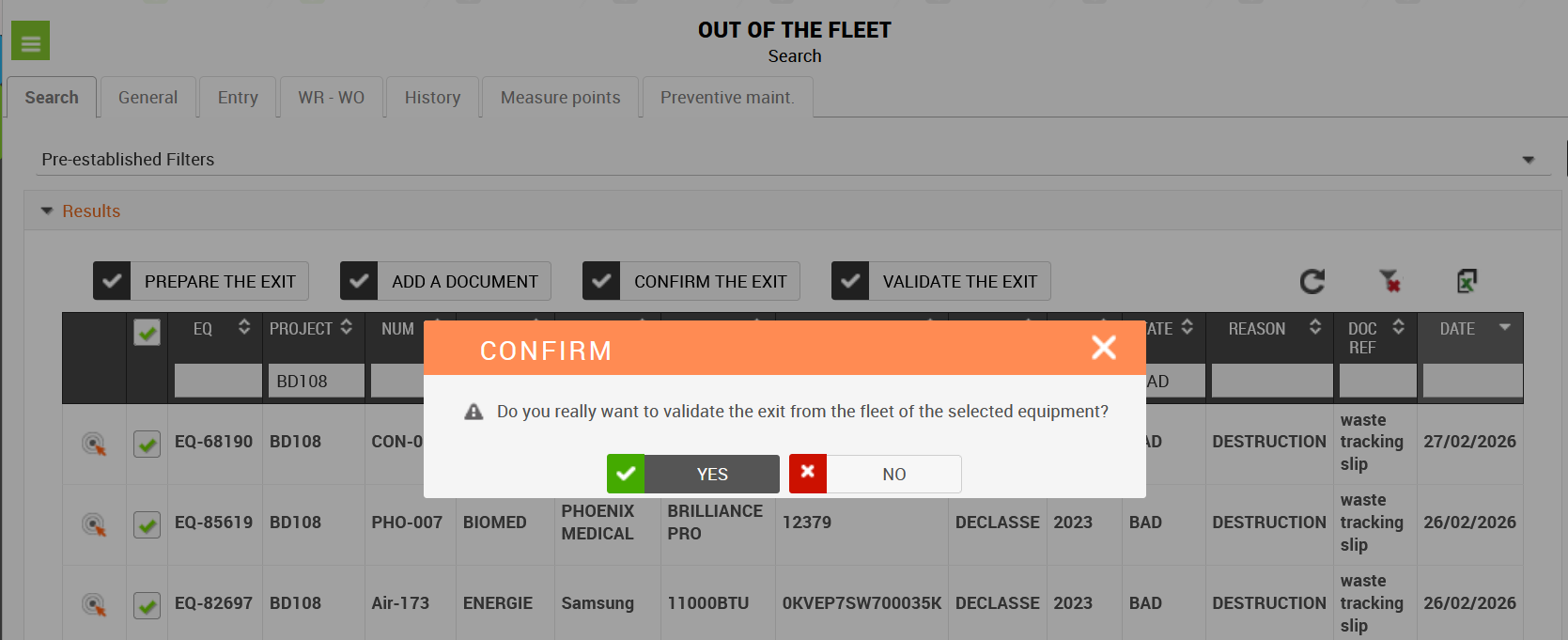
The status of all equipment will change to OUT of fleet.